How to Automate MAP Enforcement in 5 Steps
Listen to the episode
Manual MAP enforcement means scanning endless listings across dozens of platforms, screenshotting violations by hand, and hoping nothing slips through before a seller changes their storefront name. It doesn't scale, and it pulls your team away from work that actually grows the business. Here's what automated enforcement actually replaces, and how to set it up.
What Manual Enforcement Actually Costs You
Tracking violations by hand means fighting three things at once: the sheer volume of products and platforms, which makes catching every violator close to impossible; the speed at which new resellers now go live, sometimes within minutes; and the tedious, easy-to-botch work of gathering dated, defensible evidence for each violation. None of that is a good use of a brand manager's time, and every hour spent on it is an hour not spent on strategy. Manual enforcement does offer one real advantage: granular, judgment-based control over specific cases. Automation exists to remove the busywork, not the judgment.
What Automation Actually Buys You
A tool like MAPP Trap trades hours of manual tracking for a system that runs continuously in the background:
- Efficiency: enforcement runs without consuming your team's time day to day.
- Accuracy: automated tracking doesn't miss listings the way manual review does.
- Consistency: every violation gets handled the same way, which is what makes a policy credible.
- Better decisions: ongoing reporting shows you what's actually happening in the market, not just the complaints that reach you.
Setting Up Automated Enforcement
1. Build your enforcement plan. Decide whether the plan should trigger on price (a MAP plan) or on listings (for IP or unauthorized-seller notices), then give it a clear name and description your whole team can recognize. Deciding your approach before you build it in software saves rework later.
2. Choose what and who it covers. Select the specific products and merchants this plan should monitor and enforce against.
3. Set the notification rules. Define how many days a seller has to come back into compliance, whether they get one warning or a three-strike sequence, and the interval between each step.
4. Write the notification emails. Customize the message for each rule in the sequence and save each as a reusable, brand-specific template, logo and pricing information included.
5. Choose how it releases. Decide whether notifications go out automatically or wait for your review. Anything requiring judgment (an "actionable" enforcement email) should stay on manual or notify-me until you're confident in the pattern; routine notices can run fully automatically.
Before You Flip the Switch
Automation works best with a clear strategy behind it. Get specific about your objective, are you trying to remove unauthorized sellers, reduce discounting, or simply keep visibility on the market, since the right objective shapes what your outreach should say. Whatever the plan, follow through consistently: a policy that's enforced inconsistently is worse than no policy at all. And set realistic expectations. Channel-wide pricing issues don't resolve overnight, even with automation running around the clock.
What's Running in the Background
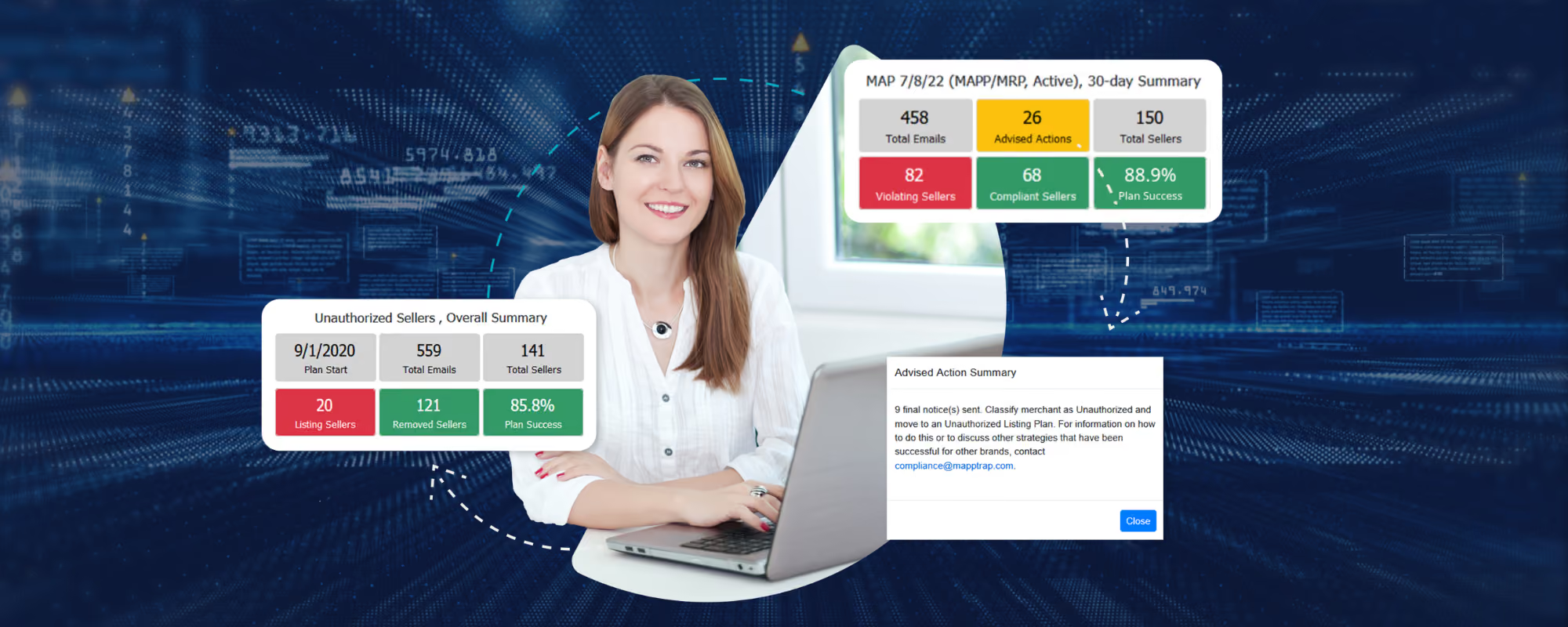
Beyond the core enforcement workflow, MAPP Trap monitors pricing across thousands of sites, marketplaces, and shopping engines in real time, sends daily alerts on new and renamed merchants, and provides reporting that surfaces repeat offenders and the real impact of your enforcement over time. An AI-guided compliance assistant adds another layer, continuously comparing enforcement activity against results, flagging pricing deviations, and surfacing where your strategy needs to adjust.
The Bottom Line
Automating MAP enforcement doesn't just save time, it makes your policy consistent and credible in a way manual enforcement rarely can. Let the software handle detection and routine follow-up, and save your team's judgment for the decisions that actually need it.
Who's undercutting you right now?
Pick up to three products. We'll scour Amazon, eBay, Walmart and Google Shopping and show you exactly where you're exposed.